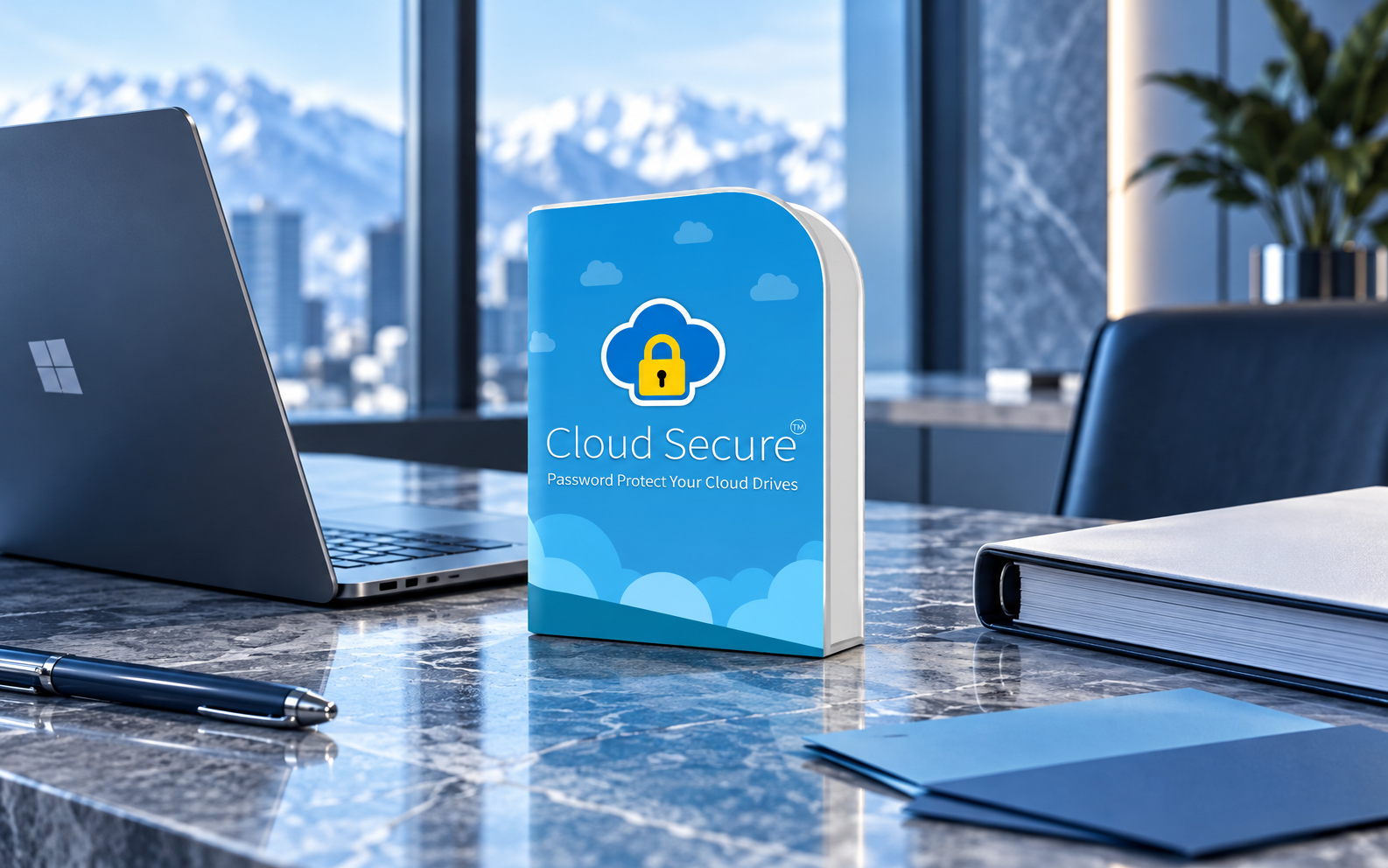
01 / PRODUCT FIT
Match one local job
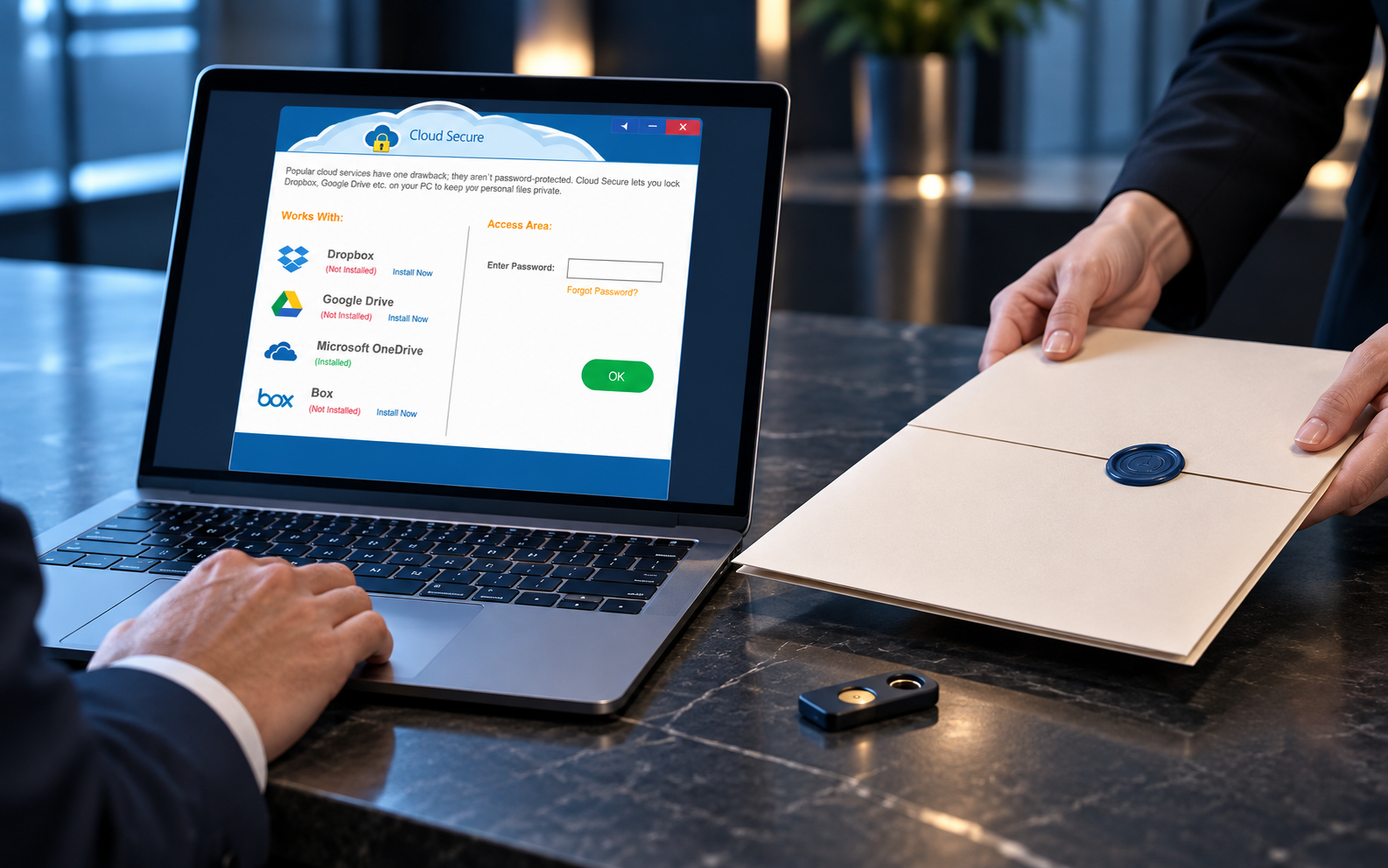
Cloud Secure may reduce casual access to a supported local cloud-sync folder on a tested Windows PC. For proposal work, that role begins only after the team knows the authoritative Box workspace, local path, authorized users, offline requirement and recovery plan.
The product is not provider-side encryption, Box permission administration, link revocation, MFA, account recovery, version history, secure erasure, endpoint management or backup.
02 / PILOT
Test the complete lifecycle
- 01
Confirm the current official release, supported Windows versions and supported cloud clients.
- 02
Create a fictional Box Drive proposal folder with representative files and no client data.
- 03
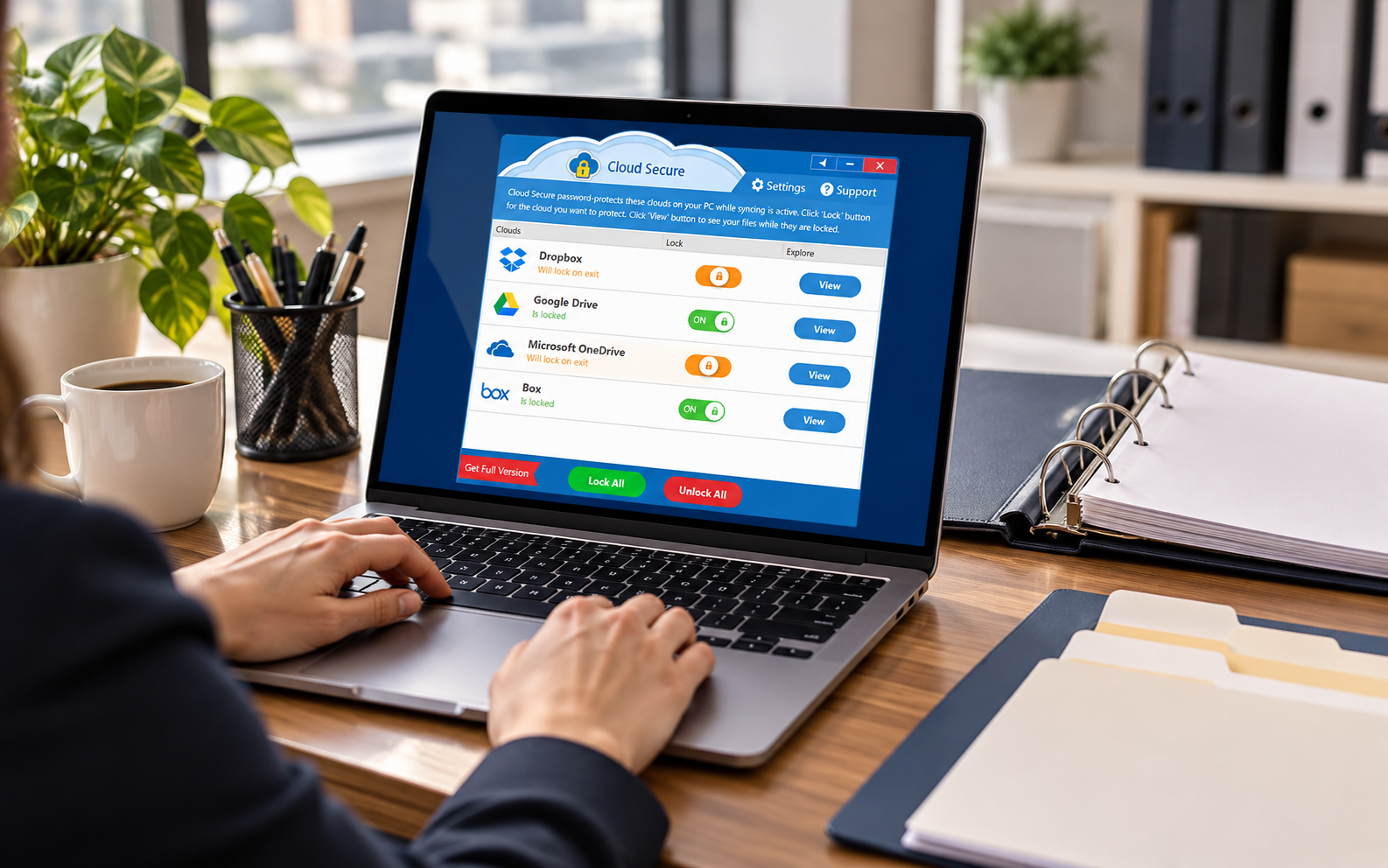
Test lock, view, unlock, restart, sign-out, offline use and reconnect behavior.
- 04
Verify synchronization, approved editing, backup and restore remain usable.
- 05
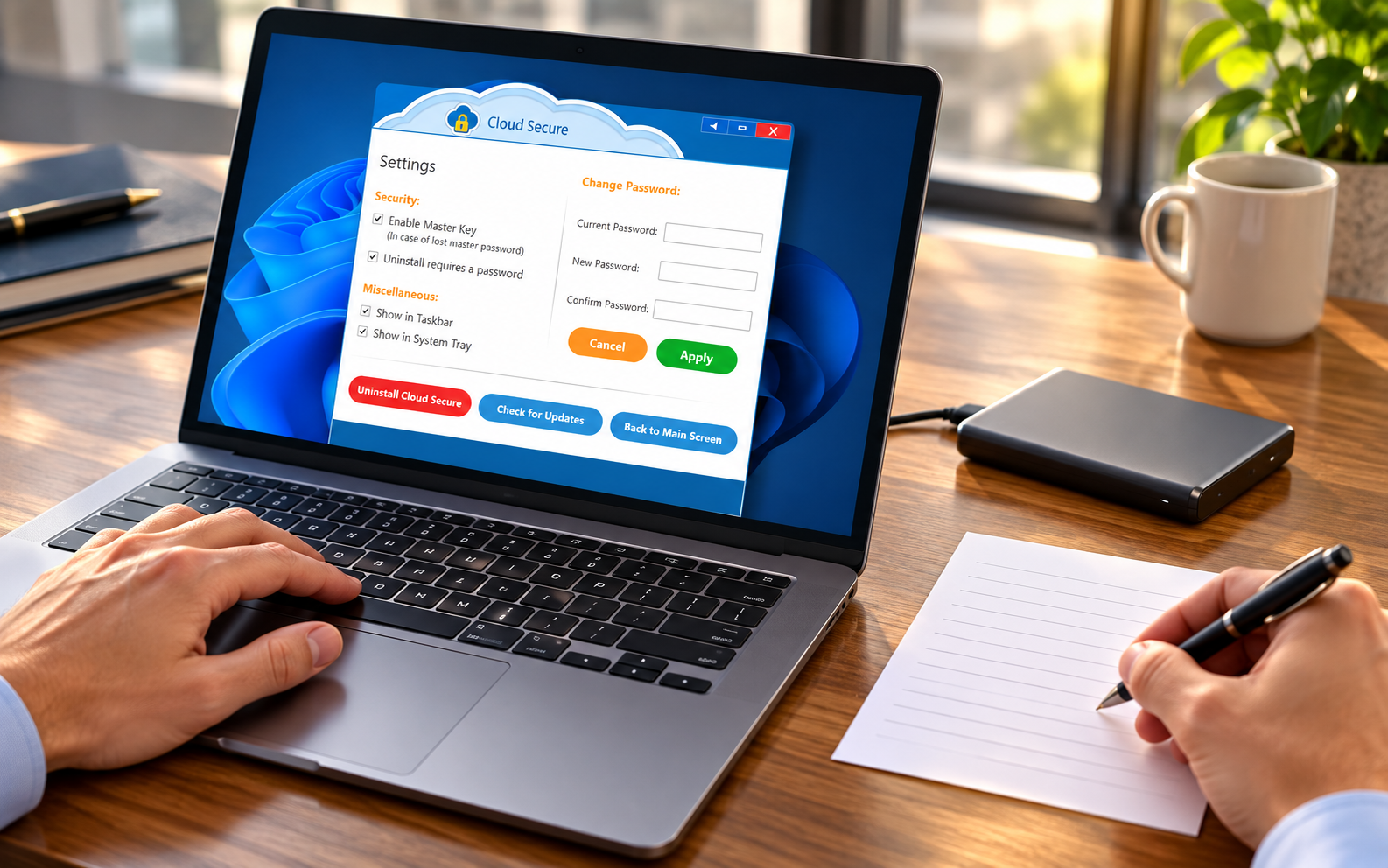
Document password ownership, recovery, update and removal procedures.
03 / INTERFACE VIEWS
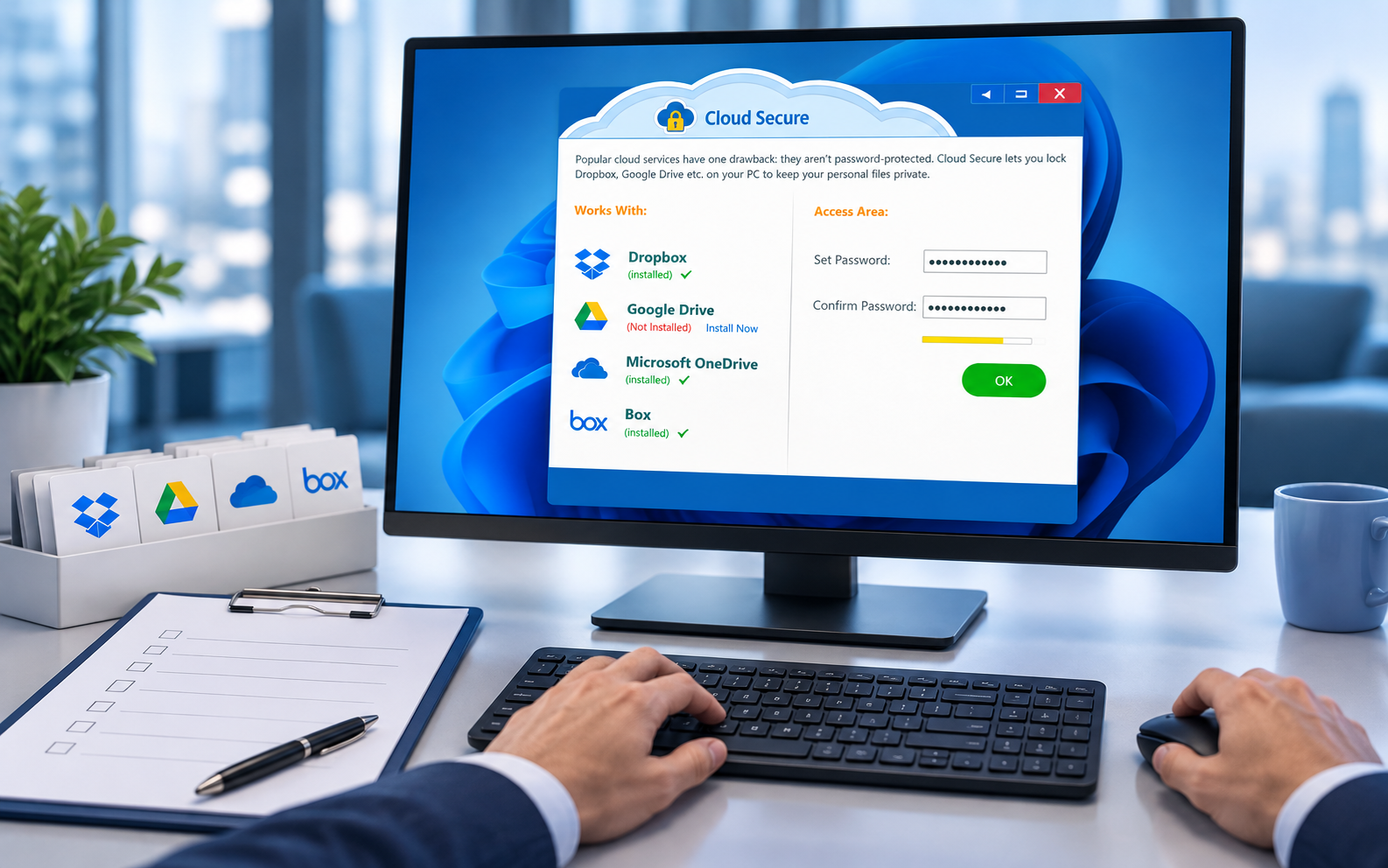
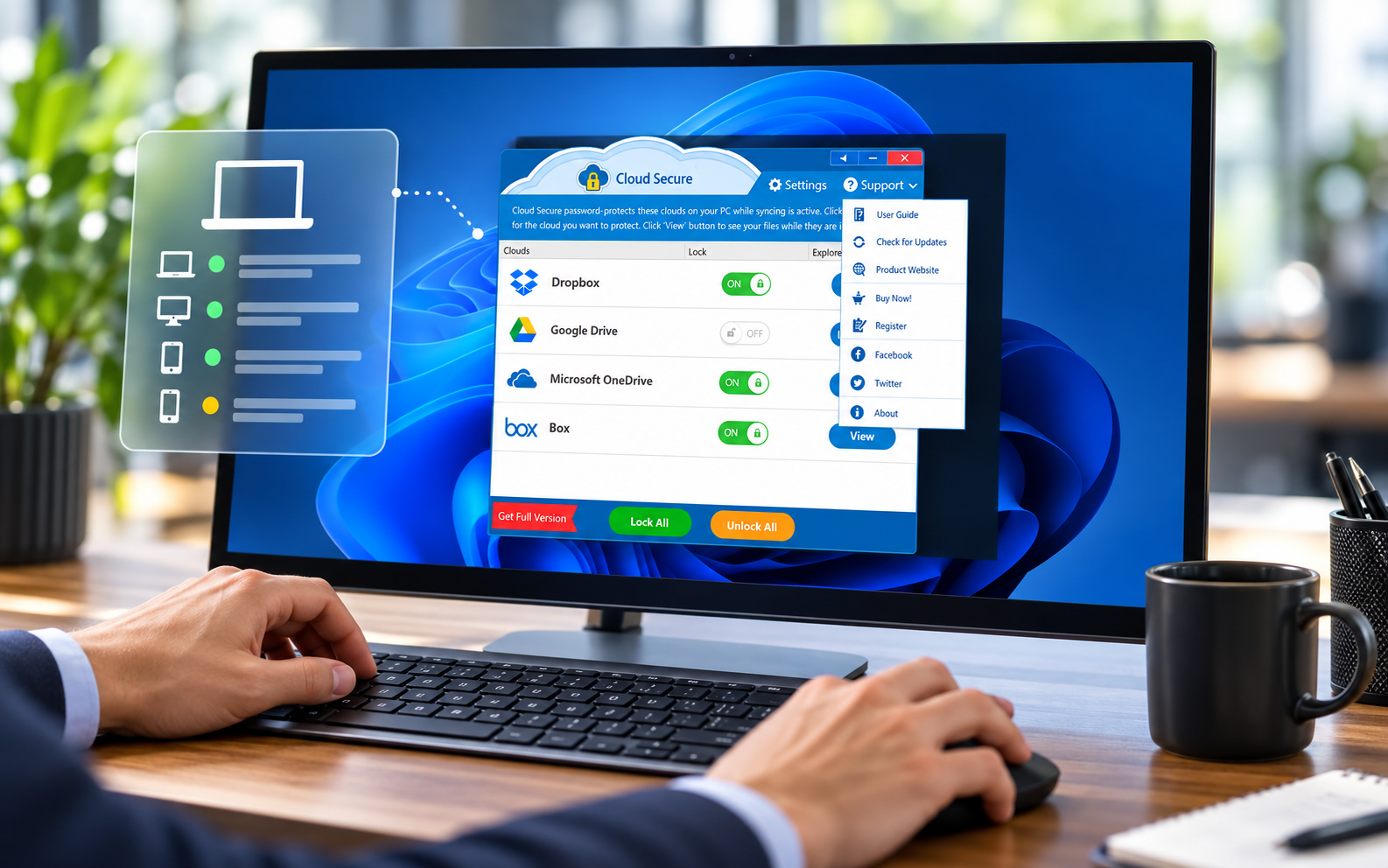
Inspect each local control
04 / LIMITS
Keep provider controls outside the claim
Cloud Secure operates at the local PC layer. A person with a valid Box account, shared link, mobile session or browser session may still reach cloud content without using that protected Windows folder. Review collaborators, links, MFA, recovery channels and active sessions directly in Box. Treat the Windows sign-in, device encryption, endpoint policy, local folder restriction, Box account, exported copies and backup as separate layers.
Test the current product against the exact Box Drive and Windows versions intended for use. Observe what happens during offline work, reconnect, update, restart, password failure, uninstall and replacement-device recovery. Preserve a separate verified backup before testing. Recheck downloads, email attachments, application caches and exports because they may sit outside the chosen sync folder. If the team needs centralized audit, managed identities, legal hold, enterprise recovery or guaranteed link governance, select services designed for those needs instead of broadening a desktop product claim.
After adoption, record the device, account, path, versions, test date, password owner, recovery evidence and next review. Repeat the pilot after relevant updates. Include a representative proposal coordinator, Windows administrator and recovery owner so one successful account does not conceal a blocked sync service or over-broad privilege. Test a harmless file through edit, sync, lock, unlock, offline use, reconnect and restore, then compare the resulting Box version and local copy. Capture no live client names, prices, credentials or confidential proposal content in the evidence. Never use a successful lock screen as proof of provider encryption, secure deletion, proposal approval or backup completeness.
05 / QUESTIONS
Product questions
Does Cloud Secure change Box permissions?
No. It is a local PC-side control; manage provider permissions in Box.
Does it create a backup?
No. Keep and test a separately controlled recovery copy.
06 / SOURCES
Primary references
- NewSoftwares: Cloud Secure product information
- NewSoftwares: Cloud Secure FAQ
- Box Support: Box Drive
- NIST SP 800-53 Rev. 5
Supplied visuals may depict a legacy release. Verify current documentation and behavior.